ScaleOps Cloud
On ScaleOps Cloud the bot is distributed as a single ScaleOps-branded Slack app, installed in one click from the dashboard.
Installation
Installing the Slack app requires Admin permissions in ScaleOps.
-
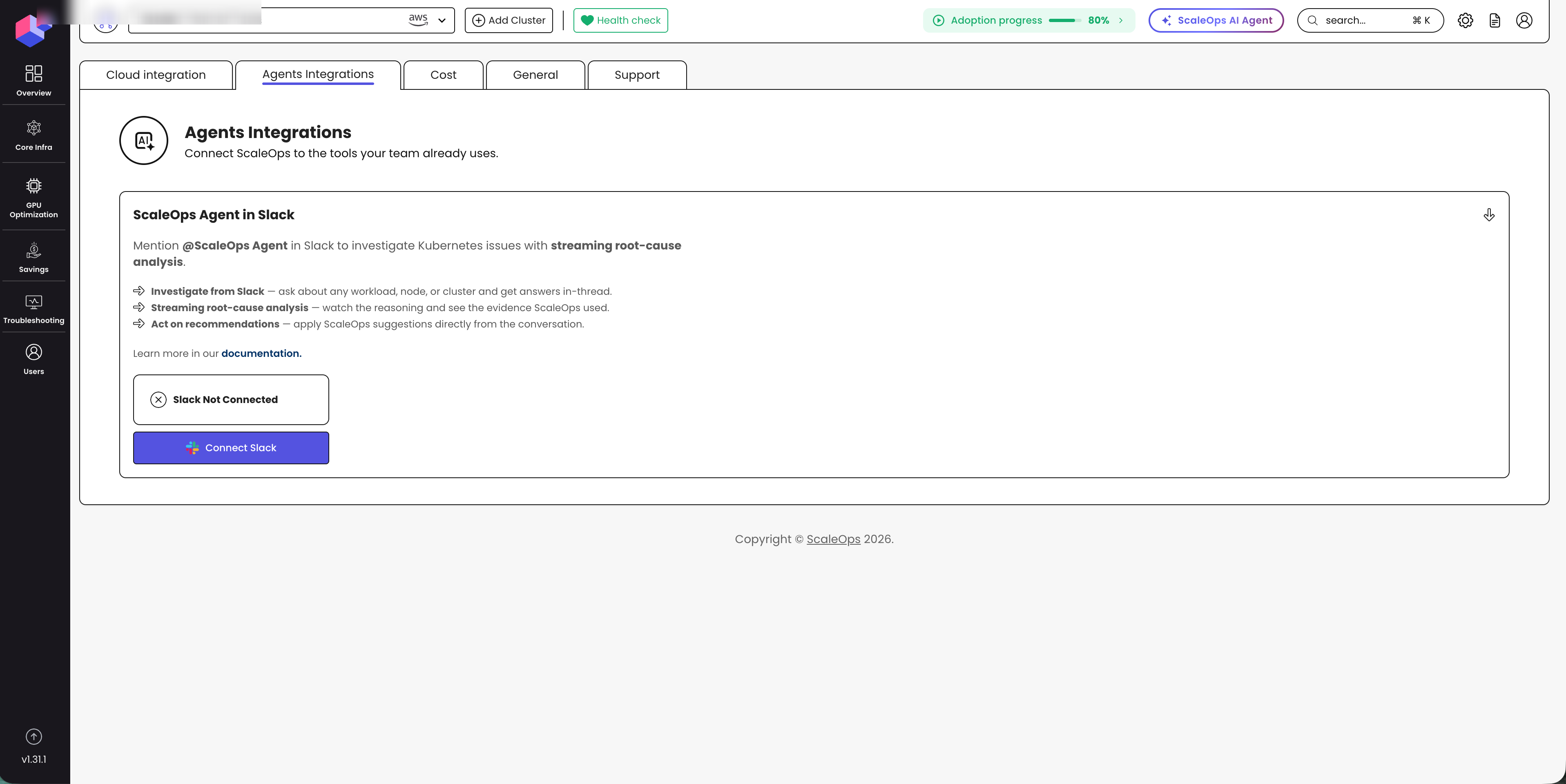
In the ScaleOps dashboard, open Settings → Agents Integrations and find the ScaleOps Agent in Slack section.
-
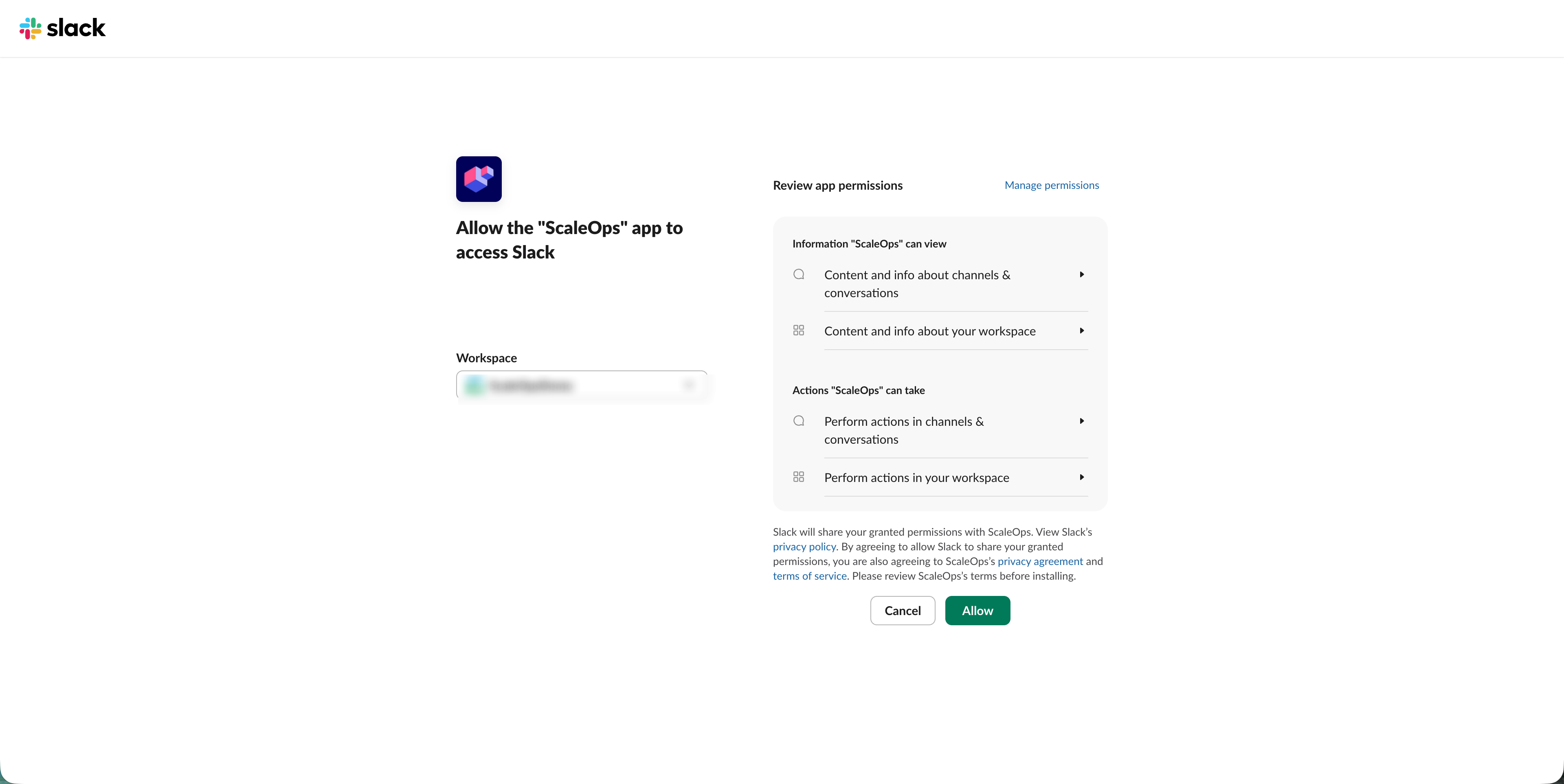
Click Connect Slack. A Slack OAuth flow opens. Select the workspace you want to connect and approve the consent screen.
-
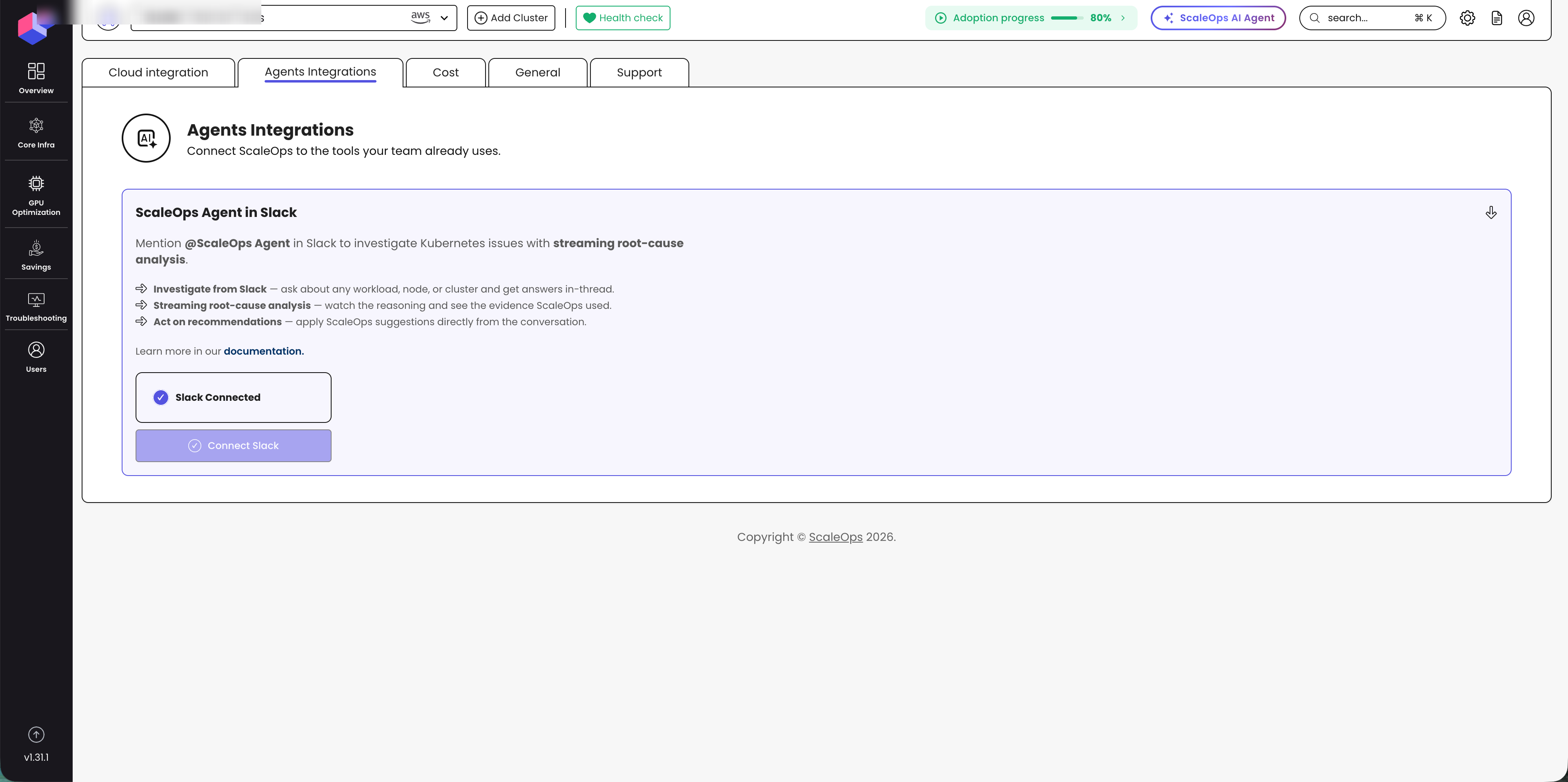
Once approved, the workspace is bound to your ScaleOps account and the bot is ready to use in channels and DMs.
Upgrade
- ScaleOps will notify you when a Slack App upgrade is required.
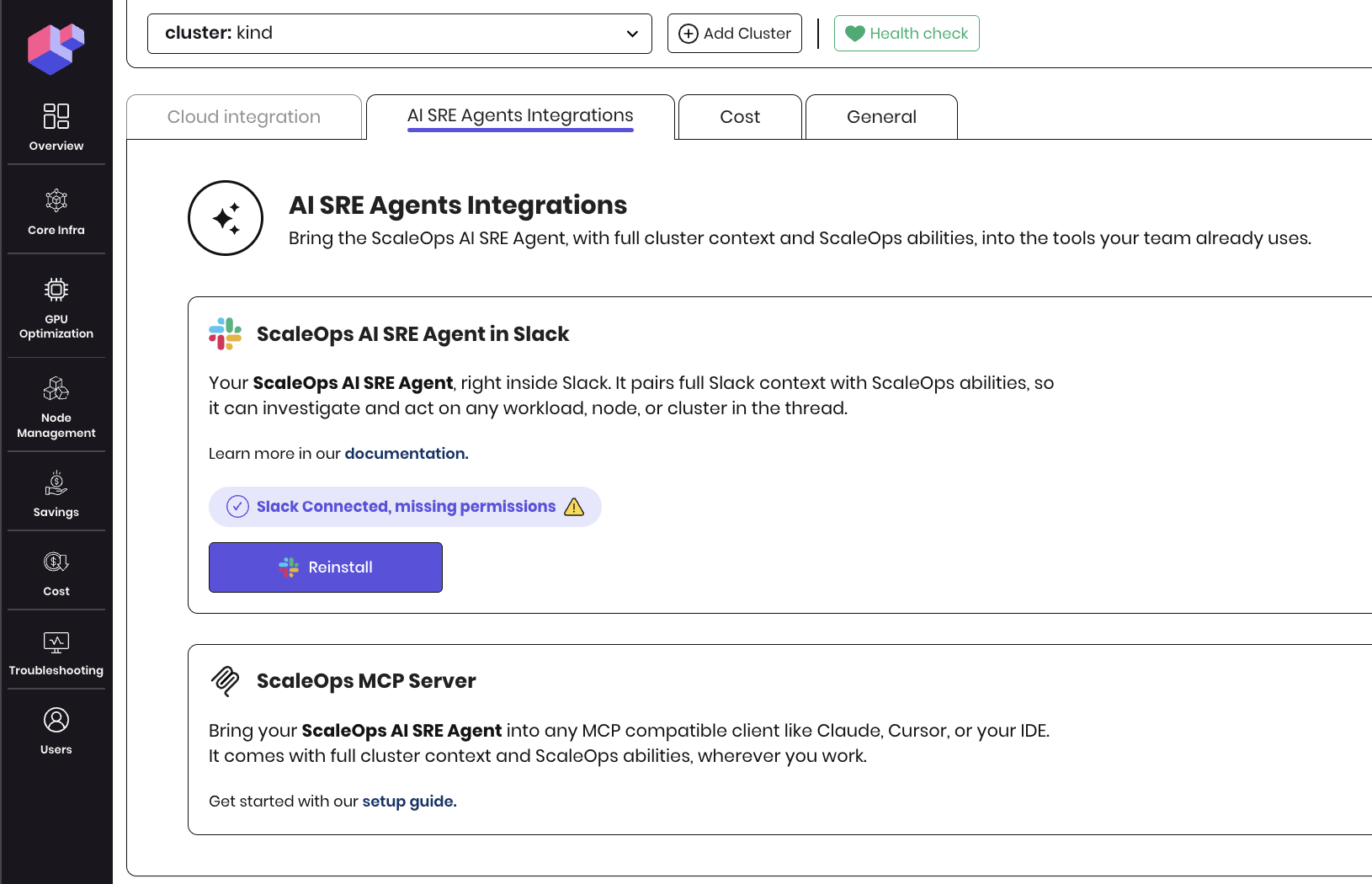
- Click Reinstall. A Slack OAuth flow opens. Select the workspace you want to connect and approve the consent screen.