ScaleOps Agent in Slack Available in v1.31.3+
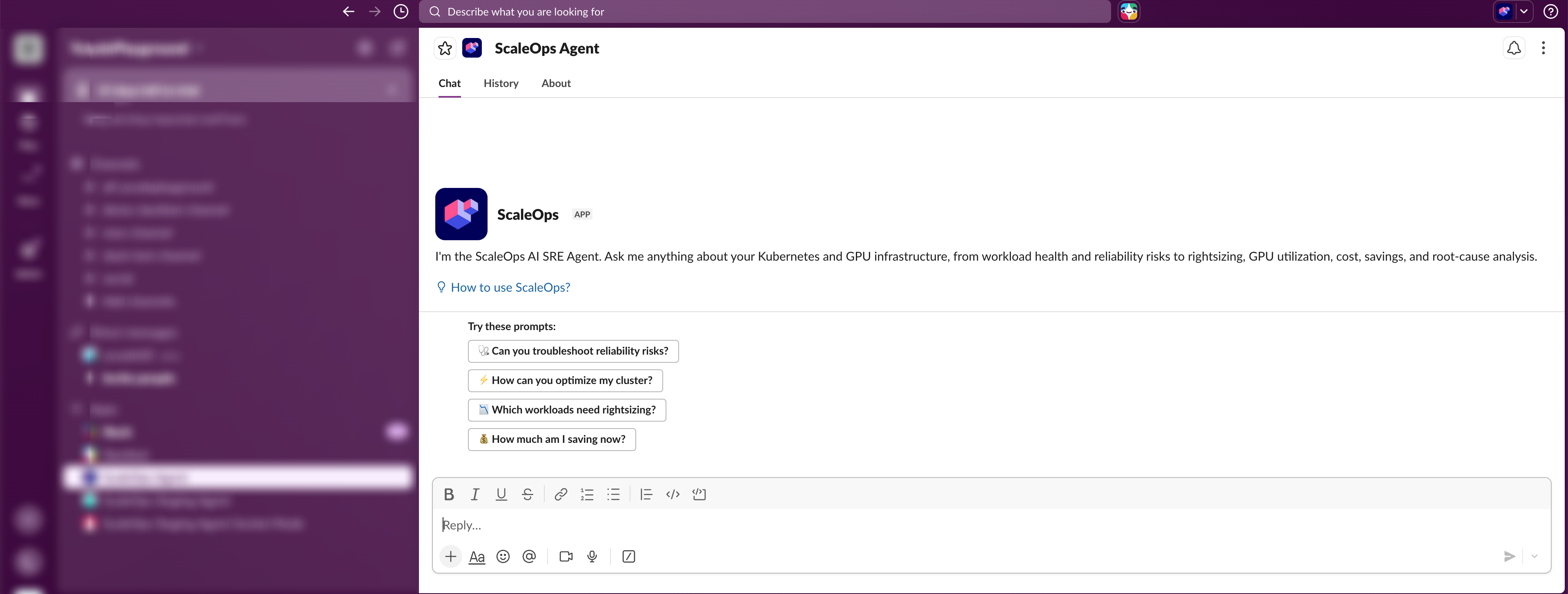
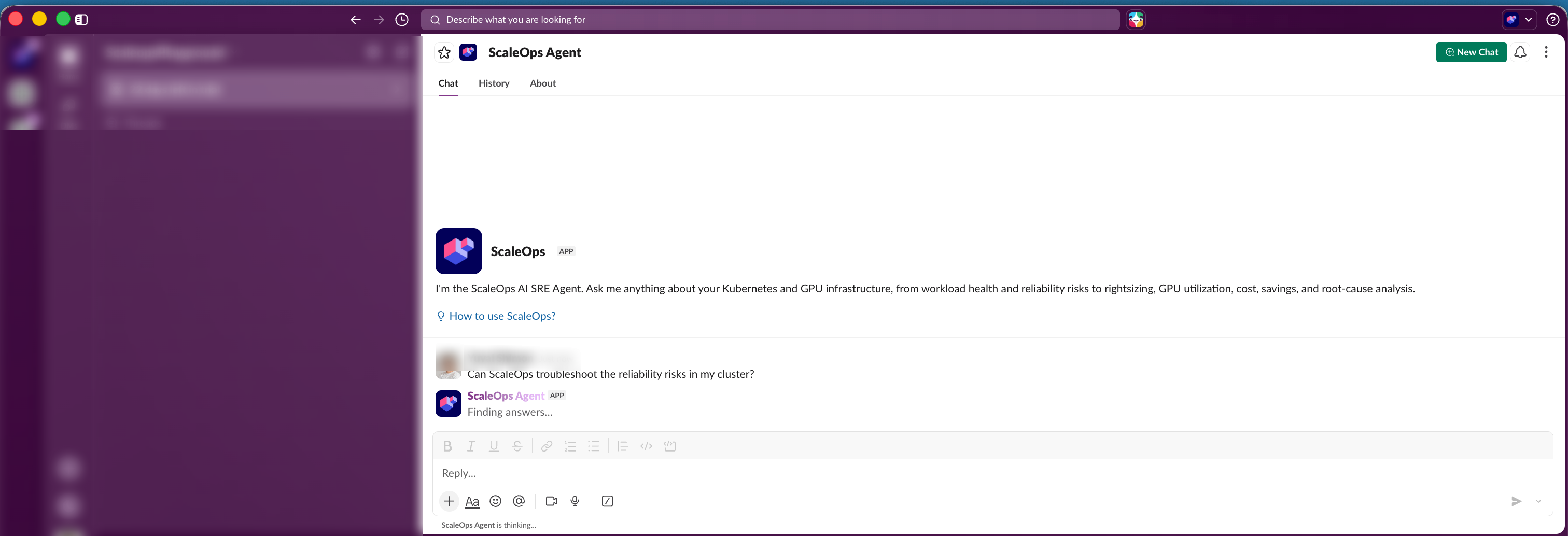
The ScaleOps Agent in Slack brings the ScaleOps AI agent into Slack. Mention @ScaleOps Agent in any channel, or DM the bot directly, to investigate Kubernetes issues and get streaming root-cause analysis and recommendations without leaving Slack.
Ask the bot about workload health, cost optimization, rightsizing, GPU utilization, and root-cause analysis.
Deployment Methods
The installation flow depends on how ScaleOps is deployed:
- ScaleOps Cloud — one-click install of the ScaleOps-branded Slack app directly from the dashboard.
- Self-Hosted — bring your own Slack app and connect it via Helm values, using an HTTP webhook.
Security & Authorization
- ScaleOps authorizes each Slack user individually. The first time you interact with the bot, you are prompted to sign in and link your ScaleOps account.
- After linking, the bot acts with your existing ScaleOps permissions. If you have access to only specific clusters or namespaces, the bot returns data scoped to those same clusters and namespaces — no broader access is granted through Slack.